Explore your data
From a collection to a clear picture.
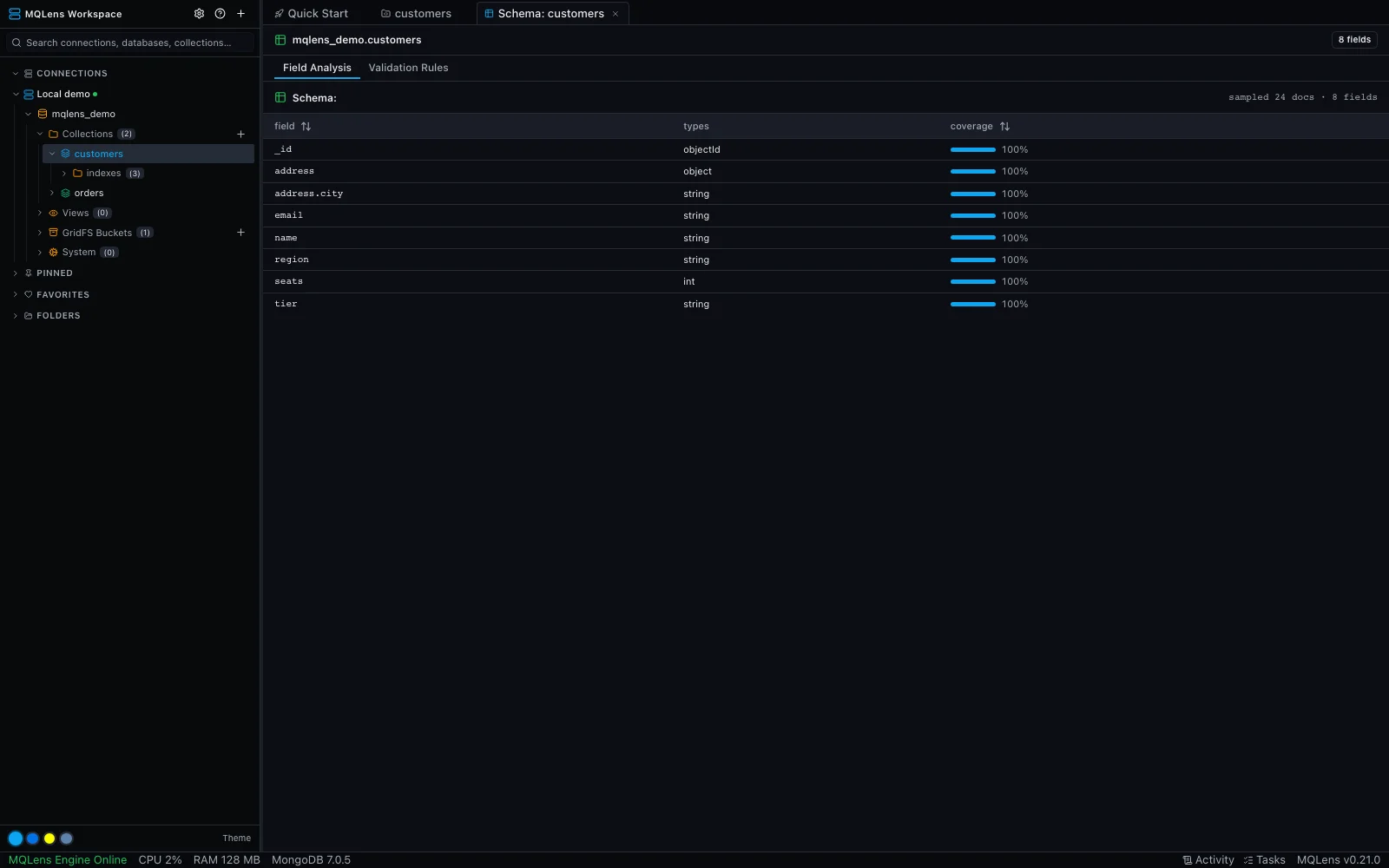
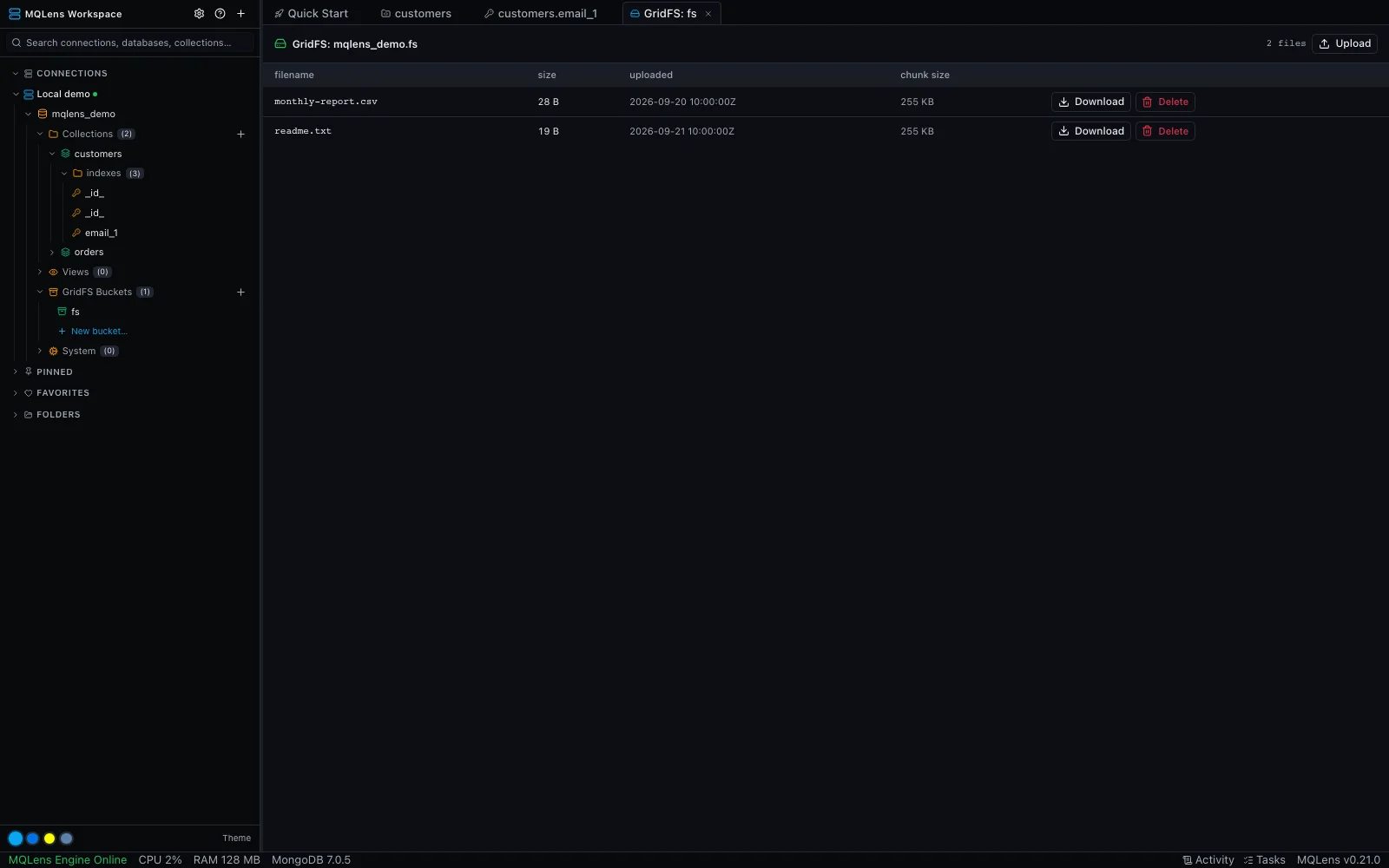
Browse documents as a table, tree, or JSON. Follow nested fields, filter your results, and edit without losing your place.
Explore the document tools
Your MongoDB desktop workspace
Get from a database full of documents to the answer you need. A free, open-source app for macOS, Windows, and Linux.
No account. No app telemetry. Yours to inspect.
From the everyday to the intricate
Follow your work from the first query to the final result.
Explore your data
Browse documents as a table, tree, or JSON. Follow nested fields, filter your results, and edit without losing your place.
Explore the document toolsBuild better queries
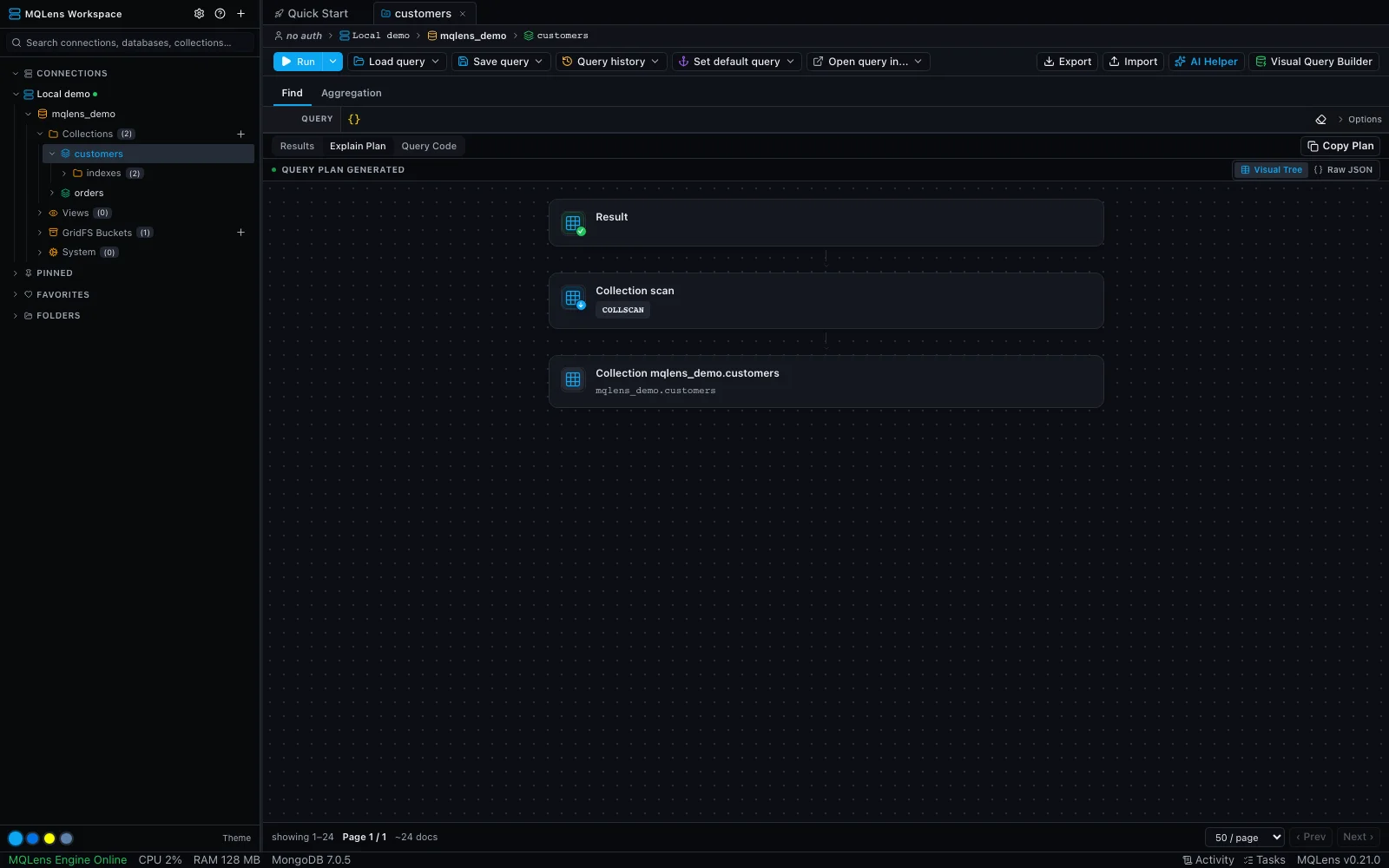
Build aggregation pipelines one stage at a time. Open an explain plan to inspect how MongoDB executes your query and where an index could help.
Build your first aggregation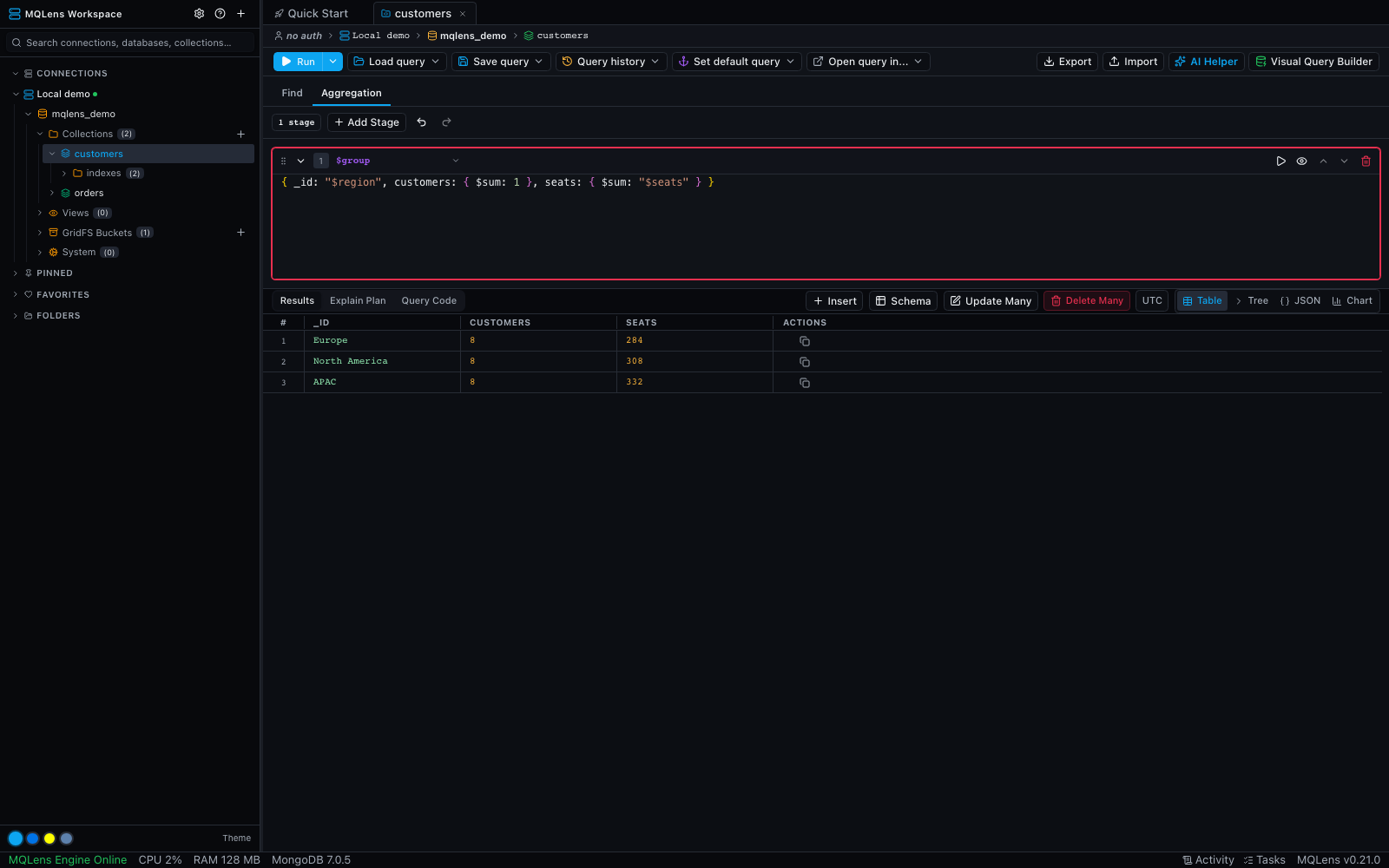
Make room for your work
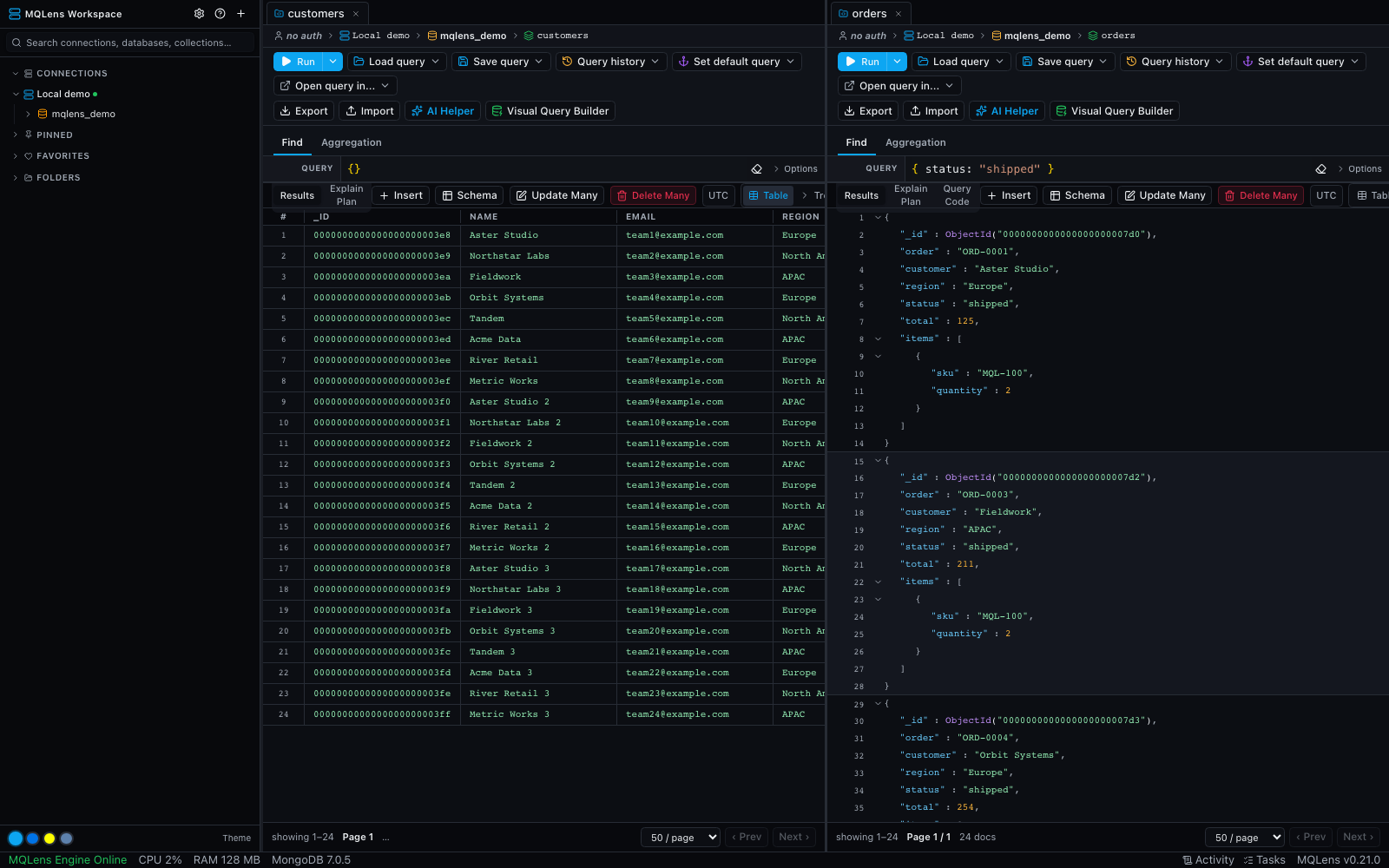
Keep collections side by side with split panes. Open a shell, detach a tab into another window, and return to your saved workspace next time.
See workspace featuresOptional AI, with explicit controls
Ask the query assistant for MQL, then review and edit its response. Or connect an MCP-compatible agent to the databases you explicitly allow.
AI is optional. External providers receive the context needed for your request; check your provider and connection settings before using sensitive data.

A closer look
Explore the tools with sample data, then open a workflow to learn more.
Your first query is close
Choose your platform below. Open the app and set up your local credential vault.
Use a MongoDB connection string. Configure SSH, TLS, and authentication when you need them.
Browse the documents, write a filter, and run your first query. Or start with the built-in sample data.
Ready when you are
Choose the installer for your computer. Free and open source, with no sign-up.
6,303 release asset downloads
Windows 10 or later (x64)
Download the installer, run it, and launch MQLens from the Start menu.
macOS 11 (Big Sur) or later
Download the .dmg, open it, and drag MQLens to your Applications folder.
Ubuntu 20.04+, Fedora 36+, or equivalent (x64)
Debian/Ubuntu: install the .deb. Fedora/RHEL: install the .rpm. An AppImage is also available.
Yes. MQLens is free and open source under the Apache-2.0 license. You can download it without an account. Optional external AI providers may charge for API usage.
MQLens accepts MongoDB connection strings for local and remote deployments. Your network access and database permissions still apply. SSH tunnels, TLS, and several authentication methods are available.
The desktop app does not collect telemetry. Connection credentials are encrypted locally. Requests to your MongoDB deployment and optional AI providers are part of the workflows you choose to use.
You can mark connections read-only or require confirmation for destructive operations. These controls help reduce accidental changes; use appropriate MongoDB permissions and backups as well.
Neither is needed to browse or query through the GUI. The embedded shell requires a mongosh installation. The optional query assistant needs a configured provider or supported local agent CLI.